
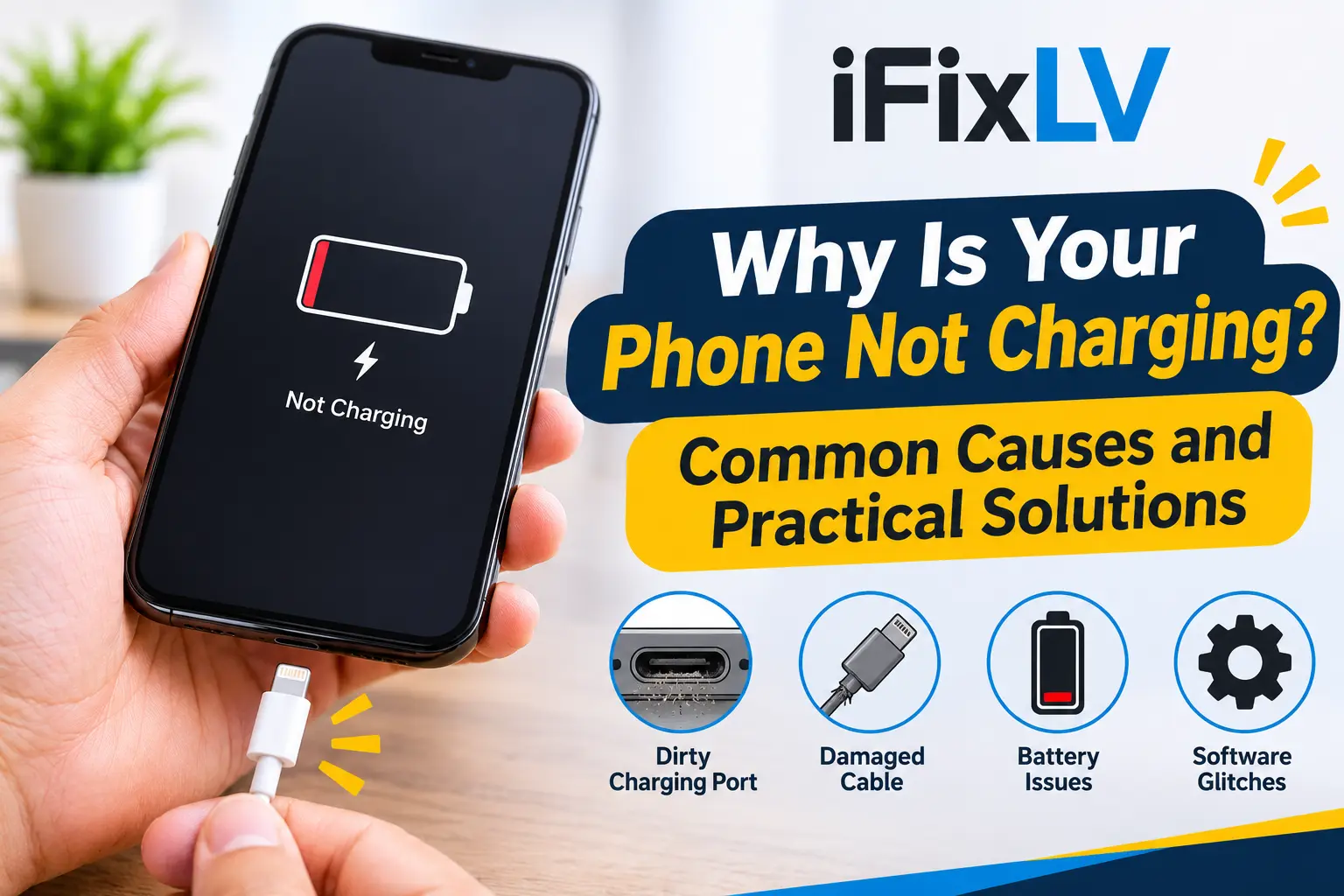
Why Is Your Phone Not Charging? Common Causes and Practical Solutions
A smartphone that refuses to charge can quickly become a problem. Whether you use your phone for work, navigation, communication or entertainment, a low battery can interrupt your daily routine. Sometimes the issue is as simple as a damaged charging cable, while in other cases, the problem may involve the charging port, battery or internal components.
Before assuming that your phone needs a new battery, it is worth understanding what could be causing the problem. A few basic checks can help identify the source and prevent unnecessary repairs.
1. Check Your Charging Cable and Power Adapter
One of the most common reasons a phone will not charge is a faulty cable or power adapter. Charging accessories experience regular wear, especially when they are bent, pulled or stored incorrectly.
Look closely at the cable for exposed wires, damaged connectors or loose sections. You can also try another compatible cable and adapter to see whether the phone begins charging.
If a different charger works normally, the original accessory may be the problem. Always use compatible, reputable charging accessories rather than unknown products that may not meet the device’s requirements.
2. Look for Dust Inside the Charging Port
Your phone’s charging port is exposed to dust, pocket lint and small particles throughout the day. Over time, this material can collect inside the opening and prevent the charging connector from making proper contact.
You might notice that the cable does not fit properly, charging starts and stops, or the phone only charges when the cable is held at a particular angle.
Avoid inserting metal objects, needles or other sharp tools into the port. These can damage the internal contacts. If the port appears blocked or the cable feels unusually loose, professional inspection is a safer option.
3. Check Whether the Charging Port Is Damaged
Charging ports can become worn after repeated use. Accidental drops, moisture exposure and pulling the cable out at an angle may also damage the connector.
Some common warning signs include:
- The phone does not recognise the charger.
- Charging repeatedly connects and disconnects.
- The charging cable does not stay securely connected.
- The device only charges in a particular position.
- The port looks bent or visibly damaged.
If these symptoms continue with a working charger, the port may need professional attention. Avoid repeatedly forcing the connector into place, as this could make the damage worse.
4. Restart Your Phone and Check for Software Problems
Not every charging problem is caused by hardware. Temporary software errors can sometimes prevent a phone from displaying the correct charging status.
Restarting the device is a useful first step. It closes temporary processes and allows the operating system to start again.
You should also check for available software updates. Manufacturers occasionally release updates that address device performance and battery-related problems.
If your phone turns on but the battery percentage does not change, a technician may need to determine whether the issue involves software, the charging system or the battery itself.
5. Understand the Role of Battery Health
Smartphone batteries gradually lose their ability to hold charge. This is a normal part of battery ageing, particularly after repeated charging cycles and long periods of use.
An ageing battery may take longer to charge, lose power quickly or cause unexpected shutdowns.
On supported iPhone models, you can check battery health through Settings under Battery. Android users may have battery information available through their device settings, depending on the manufacturer and model.
A battery that has significantly deteriorated may need replacement. However, a charging problem should be properly diagnosed before deciding that the battery is responsible.
6. Be Careful When Charging an Overheated Phone
Temperature can affect how smartphones charge. If a device becomes too hot, its charging speed may be reduced or charging may temporarily stop to protect internal components.
This can happen when you use demanding applications while charging, leave the phone in direct sunlight or place it on a surface that traps heat.
If your phone feels unusually warm, disconnect the charger and allow it to cool naturally in a safe place. Do not place it in a refrigerator or freezer.
If overheating continues during normal use or charging, arrange a professional inspection rather than ignoring the problem.
7. What to Do If Your Phone Still Will Not Charge
If you have tested a compatible charger, restarted your phone and checked the charging port without finding a solution, the issue may require technical diagnosis.
A repair technician can inspect the charging connector, battery and relevant internal components to identify the actual cause. This is particularly important when the phone has previously suffered physical or liquid damage.
At IFix LV, customers in Las Vegas can get help with different smartphone problems, including charging and battery-related issues. The team provides mobile phone repair services for major brands, including Apple and Samsung.
You can explore the iPhone repair services in Las Vegas or the Samsung phone repair service to learn more about available repair options.
8. How to Prevent Future Charging Problems
A few everyday habits can help protect your charging system and reduce unnecessary wear.
- Avoid pulling the charging cable by its wire.
- Keep the charging port free from dust and debris.
- Use compatible charging accessories.
- Avoid charging your phone in excessively hot environments.
- Keep your device away from liquids.
- Disconnect the cable carefully after charging.
- Arrange an inspection if the port becomes loose or damaged.
These small precautions can help maintain reliable charging performance.
Get Professional Help for Charging Problems
A phone that will not charge does not always need a battery replacement. The problem could be related to the cable, charging port, software or internal hardware.
Identifying the actual cause is the best way to avoid unnecessary expenses and choose the right solution. If your smartphone continues to have charging problems, contact IFix LV for a professional assessment in Las Vegas and get a suitable repair recommendation.