
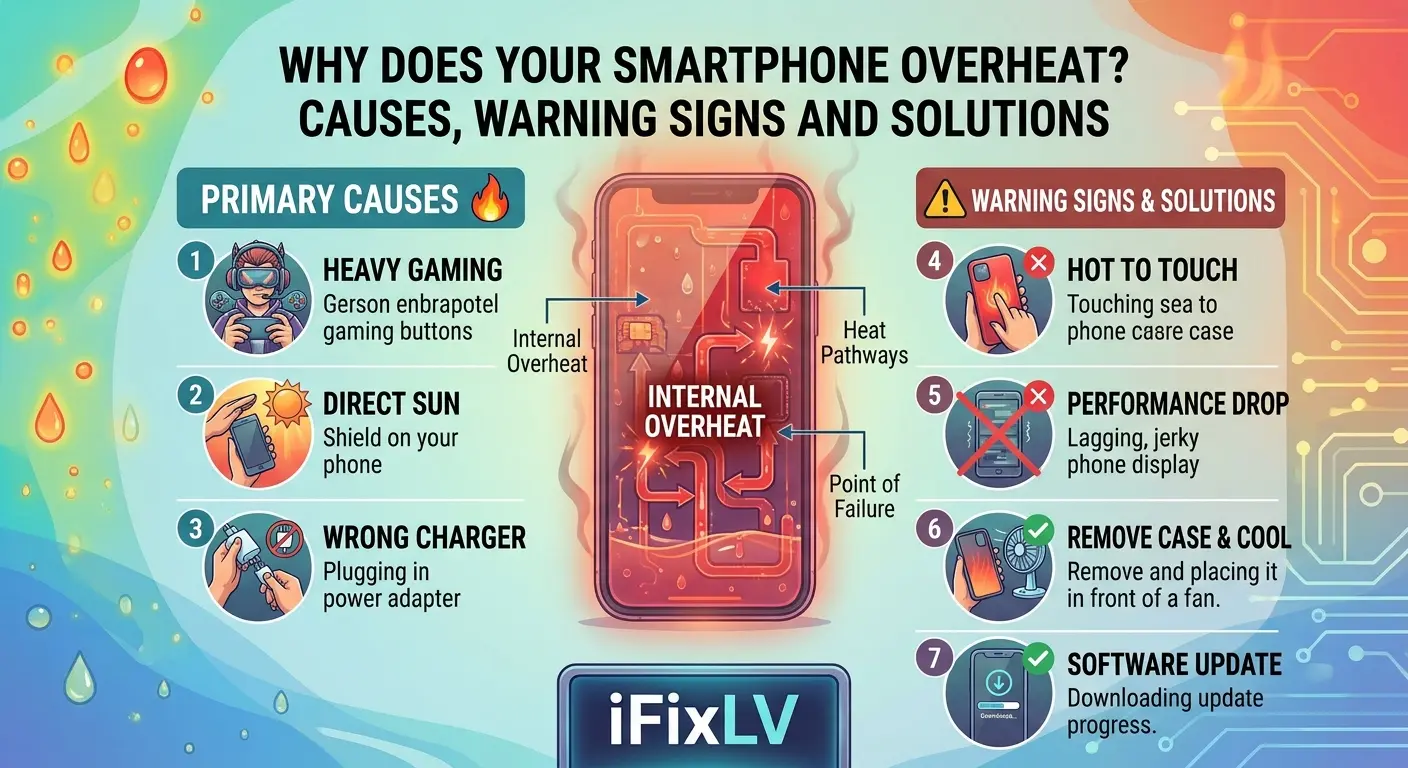
Why Does Your Smartphone Overheat? Causes, Warning Signs and Solutions
Smartphones handle many demanding tasks throughout the day, from streaming videos and playing games to running navigation applications and managing work activities. During these tasks, it is normal for a phone to become slightly warm. However, when the device becomes excessively hot or regularly overheats without an obvious reason, it may indicate an underlying problem.
High temperatures can affect battery performance, interrupt normal operation and potentially damage internal components. Understanding the common causes of smartphone overheating can help you take the right steps before the problem becomes more serious.
1. Running Too Many Applications at Once
Modern smartphones are designed to handle multiple applications, but keeping several demanding programmes active can increase the workload on the processor.
Games, video editing tools, navigation applications and video streaming services can use significant processing power. When several of these applications operate together, the phone may generate additional heat.
To reduce unnecessary activity, close applications you are not using and avoid running several demanding programmes simultaneously. You can also restart your device if it becomes unusually warm during everyday use.
2. Using Your Phone While Charging
Charging naturally produces some heat. However, using your smartphone for demanding activities at the same time can increase the temperature further.
For example, playing graphics-intensive games, watching high-resolution videos or using navigation while charging can place additional pressure on the processor and battery.
If your phone becomes hot during charging, pause demanding activities and allow it to cool. Place it on a hard, ventilated surface rather than under a pillow or blanket.
Always use a compatible charger and cable from a reliable source.
3. Poor Network Signals Can Increase Heat
Your smartphone continuously communicates with mobile networks, Wi-Fi connections and other wireless services. When the signal is weak, the device may work harder to maintain a stable connection.
This can happen in underground parking areas, remote locations, large buildings and places with poor network coverage.
If you notice that your phone becomes warm in areas with weak reception, consider using Wi-Fi where available or switching to aeroplane mode when you do not need mobile connectivity.
Avoid making unnecessary changes to network settings if the problem is caused by a wider coverage issue.
4. High Screen Brightness and Extended Display Use
The display is another component that contributes to a smartphone’s power consumption.
Keeping brightness at maximum for long periods, particularly while watching videos or playing games, can increase energy use and contribute to heat.
You can reduce this by enabling automatic brightness or adjusting the display manually according to your surroundings.
Reducing screen time when the device is already warm can also help it return to a normal operating temperature.
5. Battery Problems Can Cause Excessive Heat
Smartphone batteries naturally age with repeated use. As their condition changes, some devices may experience reduced battery life, unexpected shutdowns or unusual heating.
A damaged battery can be more concerning, especially if the phone becomes hot during ordinary activities.
Watch for warning signs such as:
- Battery percentage dropping unusually quickly.
- The phone shutting down unexpectedly.
- Excessive heat during normal charging.
- A swollen battery or lifting screen.
- Unusual changes in charging behaviour.
If you notice swelling, stop using and charging the device. Do not press, puncture or attempt to remove a swollen battery yourself. Arrange professional assistance as soon as possible.
IFix LV offers battery replacement services for different smartphone models. You can learn more about the available options through the iPhone repair service or Samsung repair service.
6. Software Updates and Background Processes
Sometimes overheating begins after installing a software update or a new application.
Your phone may temporarily perform background tasks such as organising files, updating applications and synchronising information. These activities can increase processor usage.
If the device becomes warm shortly after an update, monitor its temperature and allow background processes to finish.
You should also check which applications consume the most battery. An application that continuously runs in the background may contribute to unnecessary power consumption.
If overheating continues for several days, a technician may need to check whether the issue is software-related or caused by hardware.
7. Environmental Conditions Matter
Smartphones are designed to operate within specific temperature ranges. Leaving a phone inside a parked car, exposing it to direct sunlight or using it outdoors during extreme heat can cause the temperature to rise.
Las Vegas residents should be particularly careful during hot summer weather. A phone left on a dashboard or inside a vehicle can quickly become too hot.
Keep your device away from direct sunlight and avoid leaving it in enclosed spaces with poor ventilation.
If a temperature warning appears, stop using the device and follow the manufacturer’s cooling instructions.
8. What Should You Do When Your Phone Overheats?
If your smartphone becomes unusually hot, take a few sensible precautions.
First, stop demanding activities such as gaming, video recording and navigation. Disconnect the charger if it is safe to do so, and remove the phone case if it is trapping heat.
Move the device away from sunlight and place it on a cool, dry surface with good airflow. Allow it to return to a normal temperature naturally.
Never put a hot smartphone in a freezer or refrigerator. Sudden temperature changes and condensation can create further damage.
If the phone continues overheating after cooling down, arrange a professional inspection.
9. When Is Professional Phone Repair Necessary?
Occasional warmth during demanding activities is generally normal. Regular overheating, however, deserves attention.
A technician can examine the battery, charging system and other internal components to identify potential faults. If the problem is related to battery damage, a replacement may be required.
IFix LV provides smartphone repair services in Las Vegas for iPhones, Samsung devices and Google Pixel phones. You can visit the relevant service pages to explore repair options for your device.
Keep Your Smartphone Running at a Safe Temperature
Smartphone overheating can result from demanding applications, charging habits, weak network signals, environmental heat or battery problems.
Simple changes, such as reducing screen brightness, avoiding heavy use while charging and keeping your device away from direct sunlight, can help manage everyday heat.
However, if your phone becomes excessively hot without a clear reason, do not ignore it. A professional assessment can help identify the problem and determine the most suitable repair.